As with every Power Platform wave release, Microsoft always plans to ship tons of new features, and wave 1 2022 is no exception. Writing this article is one of the hardest tasks as it’s really difficult to pick the top 10 features when there are so many good ones. But after lots of consideration here is my list for this wave.
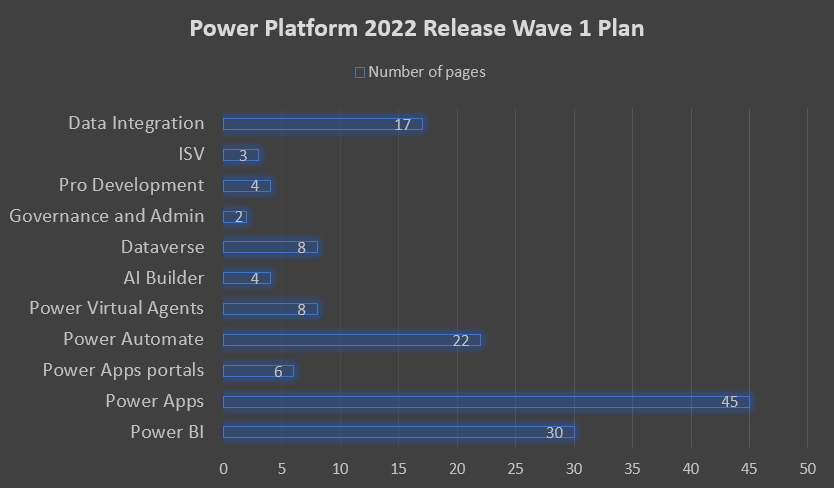
Before I start with the list, I usually show how many pages (approximately) each “topic” covers. This gives you a good understanding on the direction Microsoft is taking and the focus of the release.
It is great to see that there was lots of features included in Power Apps and it cements the direction that Microsoft is taking with this platform.
Top 10
Given that my personal focus is Dataverse, Power Apps, and pro code the top 10 will be influenced by this direction.
- Power Apps grid in model-driven
Building on the previously released (read-only) Power Apps grid control, the grid now has 2 improvements: infinite scrolling and inline editing. - Modern Advanced Find
Advanced find has been around for more than a decade and it was about time to update it. In this release we will see a completely revamped experience with intuitive integration with Dataverse search, easy table selection, and easy view selection.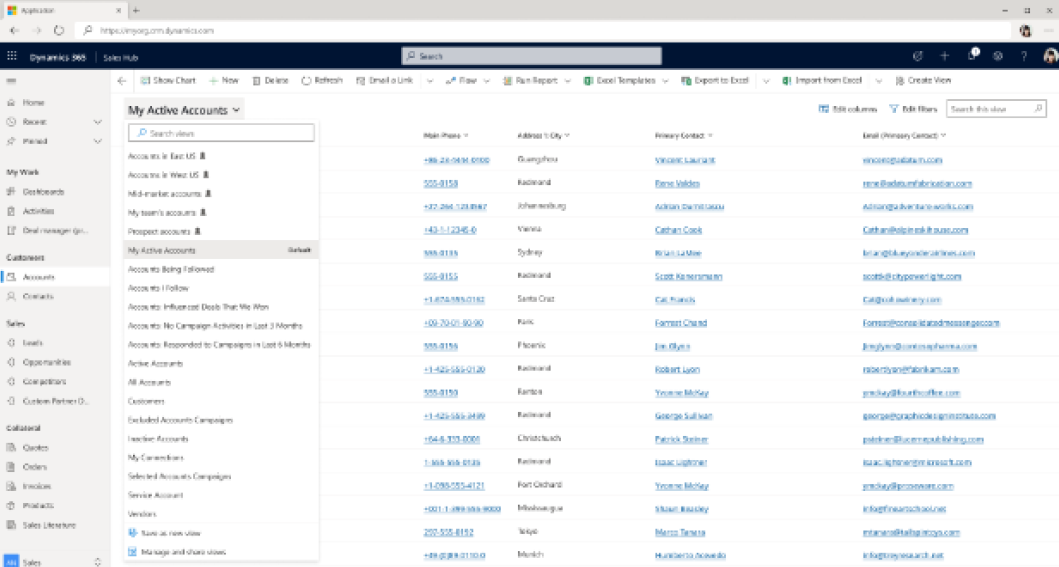
- Co-presence
Co-presence is going GA in September. People can now see who else is working on the record. This is a great treatment for potential concurrency control concerns.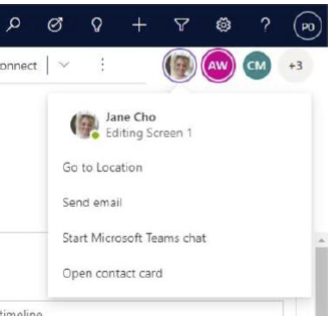
- Owner field presence
You can now see the status of the record’s owner and engage with them using your preferred channel. - Collaboration
Currently release as experiment, this feature allows multiple users to collaborate on the same app at once and merge changes using the YAML app file. Feature will go public preview in June.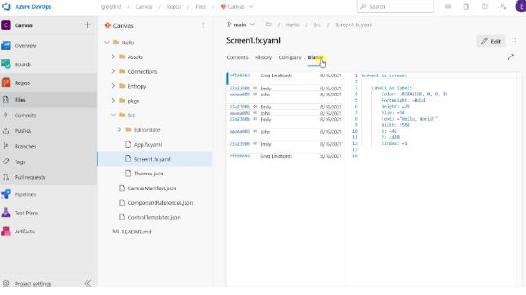
- Dynamic Schema
This feature is a game changer, we can now consuming extra dynamics columns from APIs. Imagine how awesome this feature is if you are merging different record types in your custom APIs. - Build form using modern form designer
Full party with the classic web interface. First step towards deprecating the old designer.
GA in April.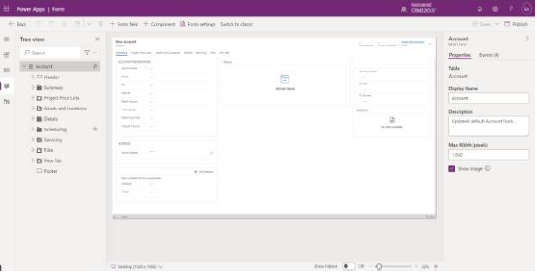
- Named formula
A “subtle but powerful” change. You can now write BackgroundColor = Color.Gray instead of Set(BackgroundColor, Color.Gray). Not only will this make Power Fx more intuitive, it will also solve many variable issues. - OData Editor improvement in Cloud Flow
Improved OData Power Automate editor. Long gone are the days where we have to figure out the exact syntax to query our data. This feature will first be introduced for the SharePoint connector. Can’t wait to see the Dataverse one.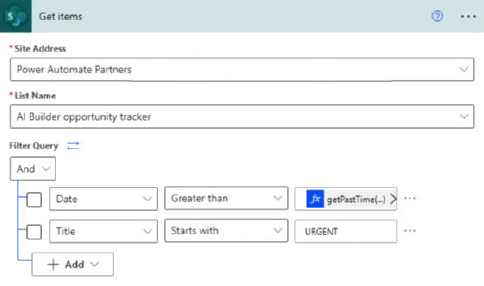
- PVA custom code connectors
Power Virtual Agent can now use custom connectors written in C# to integrate with other systems. This enables many possibility now that we have the custom coding power. - Delta Lake (Bonus)
Yes, this is not a spelling mistake. Dataverse now exports to delta lake that leverages the power of Parquet formats. This enables highly efficient processing, ACID (atomicity, consistency, isolation, and durability) transactions. and most importantly time travel (data versioning).
Hope you enjoyed this post. Let me know what are you favourite features.